AI-Enabled · Fully Automated
SCAN. UPLOAD.
PRINT. NO STAFF,
NO QUEUE.
Zeroxi Kiosk is a self-service photo and document printing machine — scan a QR code, upload straight from your phone, pay digitally, and walk away with your prints in under a minute. Built for malls, stations, tourist spots and campuses across Kozhikode.

What Makes It Smart
A printing machine that runs itself
Every Zeroxi Kiosk combines cloud upload, AI image processing and instant digital payment into one compact, self-service unit.

Fully Automatic, Unattended
No staff, no supervision required — the kiosk runs 24 hours a day, seven days a week, with remote monitoring for paper and ink levels.

Instant Mobile Printing
Upload a photo, passport image or PDF straight from your phone gallery — no cable, no app install, no waiting in line.

Smart QR & Digital Payments
Pay by UPI, digital wallet or card directly at the kiosk screen — the print releases automatically the moment payment is confirmed.

AI Photo Enhancement
Built-in AI auto-corrects colour, crop and orientation before printing, so passport and portrait shots come out studio-sharp every time.

Compact & Scalable
A single-square-metre footprint fits into any lobby, corridor or waiting area — deployable in ones or across dozens of locations at once.

Passport & ID Photos
Government-compliant passport and ID photo sizing, cropped and printed automatically to the exact required dimensions.
For Customers
Four steps. Under a minute.
No registration, no app download — just a phone and a QR code.

Scan the QR code
Point your phone camera at the code on the kiosk screen to open the secure upload page.
Upload your file
Choose a photo, passport image or document from your gallery or files — no app required.
Pay digitally
Confirm your print size and quantity, then pay instantly via UPI, wallet or card at the kiosk.
Collect your print
The kiosk prints and dispenses automatically — no waiting on a person, no delays.

Where We Fit
Built for high-footfall spaces
Anywhere people carry phones and need a print in a hurry.


For Property & Business Owners
Host a kiosk. Earn passively.
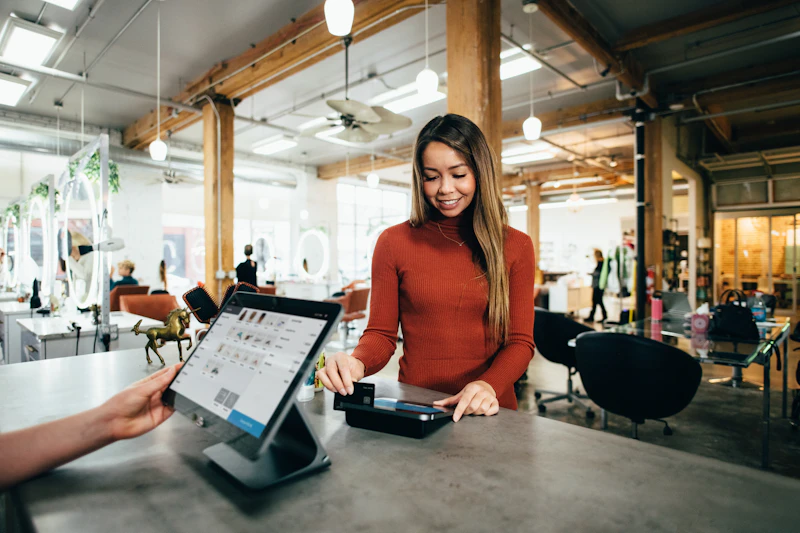
Turn one square metre of unused space into a steady revenue stream — no staffing, no inventory to manage, and almost nothing for you to do.
- Zero staffing — the kiosk operates fully unattended
- Revenue-share model, paid out on your schedule
- Remote monitoring — we handle refills, service and support
- Compact footprint, installed and running within days
- Scalable across multiple locations under one agreement
Income
The Kiosk
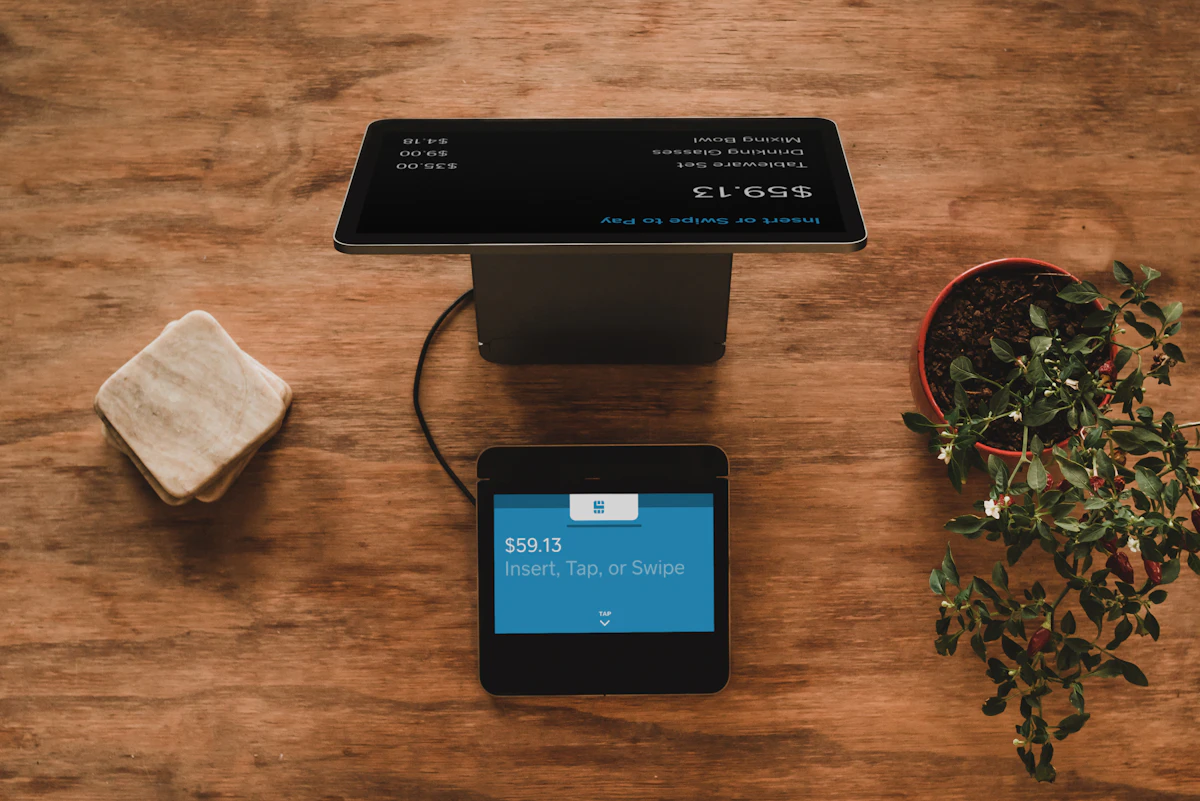
A closer look at Zeroxi Kiosk
Compact, sleek and built to blend into any smart retail environment.




From Users & Partners
What people are saying
"Needed a passport photo minutes before my train — scanned the QR, uploaded from my gallery, paid by UPI and had it printed before boarding."

"We host one near our mall entrance — zero staffing on our side, and it's become a small but genuinely passive monthly income."

"Printed my project photos between classes without leaving campus. Quality was sharper than I expected from a machine."

Questions
Before you scan the QR
No. Scanning the kiosk's QR code opens a secure upload page directly in your phone's browser — no app or account required.
Zeroxi Kiosk accepts UPI, digital wallets and card payments directly on the kiosk screen — fully contactless, no cash needed.
Yes. Each kiosk runs without an on-site operator, with paper, ink and connectivity monitored remotely so it stays ready around the clock.
Reach out via WhatsApp or the contact form below with your location and available space. We assess footfall, agree a revenue-share model, and typically install within days.
Standard photo sizes, passport and ID photo formats, and A4 documents from JPEG, PNG and PDF files uploaded straight from your phone.
Get In Touch
Questions, support, or hosting enquiries
Whether you're a customer needing help with a print, or a business exploring the kiosk hosting opportunity — reach out below.